¶ MeshCore LoRa Radio Network
Off Grid mesh network using cheap LoRa radios. Alternative to Meshtastic.
- https://meshcore.io/ - Home Page
- https://docs.Meshcore.io/ - Firmware documentation
- https://analyzer.letsmesh.net/packets?region=TLL - Packet Analayzer
- https://wiki.estmesh.ee/ - Estonian Meshtastic/MeshCore community Wiki
¶ Background
In Meshtastic all nodes are pretty much equal. All of them will repeat messages they hear. The TTL or how many hops a message can take is usually limited to 4.
MeshCore is a bit different. Devices are split into two categories, Companion and Repeater.
Companions is the one you carry with you. It connects to your phone or PC over bluetooth/usb/wifi. It never repeat messages and can only do direct packet sending (and receiving) to a another Companion or a Repeater.
Repeaters only have LoRa radio powered on and will only do message repeating. They are usually also quite stable in the sense of power and position. MeshCore message TTL or hop count is limited to 64 (compared to 4 in Meshtastic).
Meshtastic works better as adhoc network in a smaller area. MeshCore work better with stable repeaters and over a larger area. MeshCore also by default will be more quiet on the radio and only transmits if you trigger it to.
¶ Tallinn MeshCore Radio Setup
First time Companion and Repeater setup will require you to setup the radio. In Tallinn we use EU/UK (NARROW) preset. After that click on the apply tick in top right corner to save it.
| Frequency | Bandwith | Spreading Factor | Coding Rate |
|---|---|---|---|
| 869.618Mhz | 62.5Khz | 8 | 8 |
After Radio setting are configured, you will have to do a Advert to broadcast your device Public Key to the rest of the network. That will tell others your name and also provides them with your key for message encryption.
¶ Hardware Recommendation
When ordering, Make sure to select 868Mhz model!
Most Meshtastic devices are also compatible with MeshCore by just flasing a new firmware usin a Web based flasher https://flasher.meshcore.io
- Heltec T114 - Nordic nRF52840 based low power Companion or Repeater. Has 6V solar input. Does not come with battery. This is used in K-Space Repeater.
- Heltec MeshPocket - Nordic based Battery Bank and has a e-ink screen. Kristjan has one
- XIAO nRF52840 & Wio-SX1262 Kit - Nordic based, good for Repeater. Recommended in Raadiosidehuvilised Discord.
- XIAO ESP32S3 & Wio-SX1262 Kit - ESP32 S3 based, a bit cheaper, good for Room server.
- Heltec V4 (or v3) - ESP32-S3 based. Has Wifi and Solar input but higher power usage compared to Nordic. Kristjan has few.
- LilyGo T3 S3 - ESP32-S3 based. With Wifi. Has no Solar but uses more robust SMA antenna connector. Arti has several.
- SeedStudio SenseCAP Solar Node P1 - Nordic based ready made Solar Repeater. Need to add your own 18650 batteries. Arti ordered two to play around with. - 2026-03-18, 5W panel survived January no sun days and have been very stable.
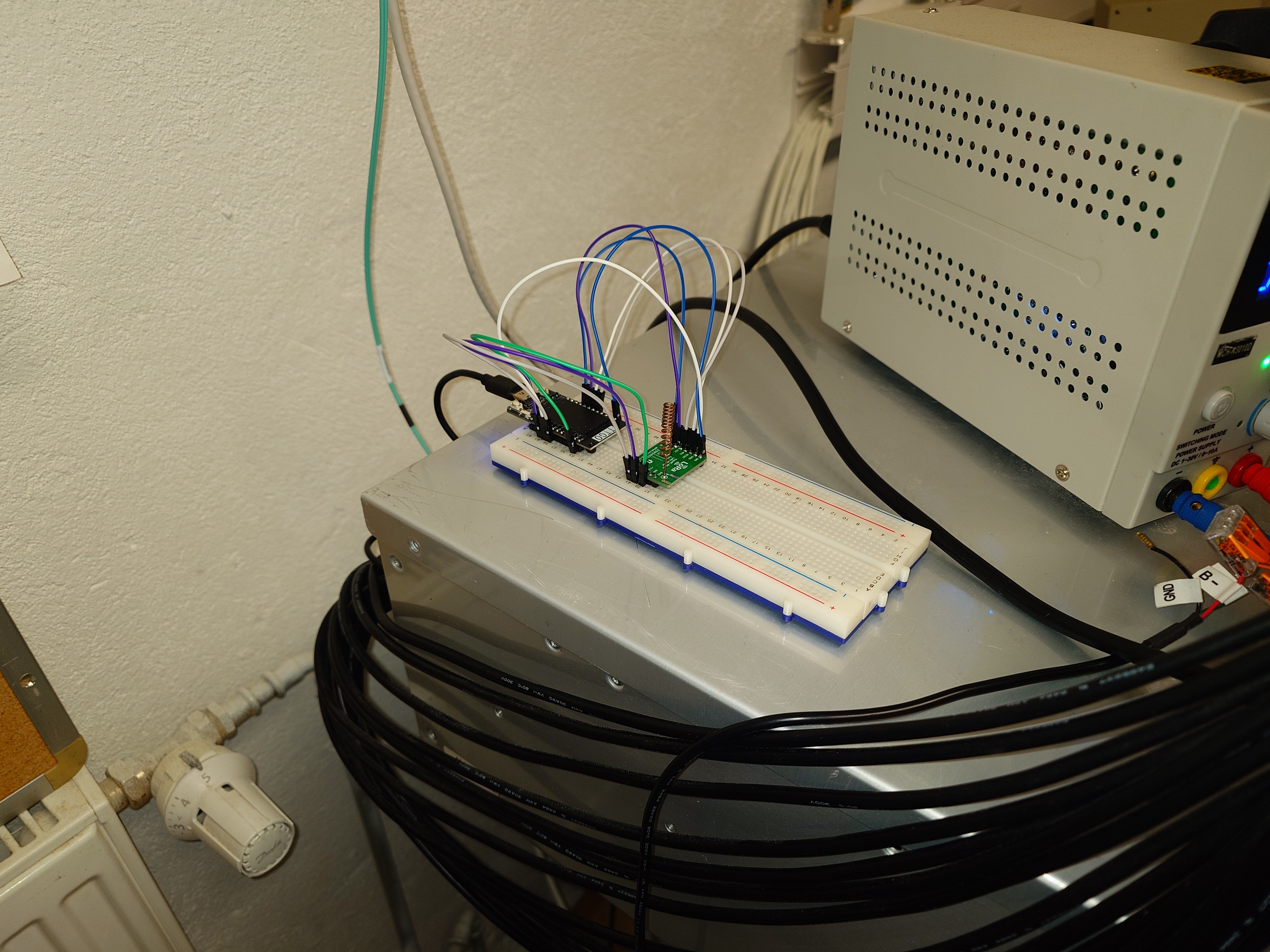
- DIY - Anything that has SPI pins
¶ Antennas
The included antennas should be okay to start out with. But if you want you can upgrade to something better.
- https://www.getic.ee/product/alfa-lora-halow-antenna-868mhz-5-dbi
- https://www.getic.ee/product/omni-lora-antenna-10dbi-sma-male - K-Space Repeater Antenna. Do not use the included cable, its bad.
- https://www.aliexpress.com/store/1102271355 - GIZONT Store makes quite okay antennas (may or maynot be better then stock antenna)
- https://www.aliexpress.com/item/1005006359246399.html - GIZONT 868MHz soft antenna - Arti has those and they work quite well on a compantion.
¶ Filters
- Best is to get a Cavity Filder (expensive, 70+€)
- Or SAW filter that can handle 0.5W, example: https://www.aliexpress.com/item/1005004468750712.html
¶ Repeater config
Flash OTAFIX bootloader on
nrfbased repeaters to make over the air updates safe https://github.com/oltaco/Adafruit_nRF52_Bootloader_OTAFIX
¶ Over USB using https://config.meshcore.io/
- Flash any of the supported models with Repeater firmware
- Configure Name and Radio profile to be EU/UK Narrow
- Guest password should be kept empy/blank to allow others view its status and heard neighbours. Admin password can be something secure and stored in your favorite password manager.
- Sync the repeater clock after every reboot!
¶ Or via Serial Terminal like Putty/picocom.
Baudrate is 115200.
CLI commands are documented here https://docs.meshcore.nz/cli_commands/
Basic setup commands that mirror the click-ops instructions look like this
set radio 869.618,62.5,8,8
set name Arti Energia
set owner.info meshcore@arti.ee
set lat 59.396755
set lon 24.767530
password changeme
reboot
If using this firmware then also set https://analyzer.letsmesh.net/observer/onboard?type=repeater&version=observer-uplink-native-dev
set wifi.ssid EnergiaWifi
set wifi.pwd changeme
set mqtt.iata TLL
set mqtt.owner YourCompanionPublicKey
set mqtt.email meshcore@arti.ee
reboot
¶ Duplicate Repeater keys
Repeater Hops are identified by its first 2 hex character. Unique combinations are limited to 255 so in a large network there will be duplicates. To mitigate this a bit please check
https://analyzer.letsmesh.net/nodes/prefix-utilization?region=TLL for free prefixes and generate a new key using https://gessaman.com/mc-keygen/
¶ K-Space managed hardware
K-Space has one Heltec T114 configured as a repeater connected to a raspberry pi for power.
We are also hosting K-Space Bot connected to Terminal Server on 100.103.0.10 using LilyGo T3 S3.
Arti is hosting one additional repeater in Energia street and few others around Tallinn.
¶ Wardriving
Aka, driving/walking around and maping signal strength on a map.
¶ Options
- https://meshmapper.net/
- https://tll.meshmapper.net/ - Tallinn Map
And
¶ Links
- https://discord.gg/EGdbRKQnFk - Estonian amateur radio Raadiosidehuvilised Discord
- https://es1tem.uk/
- https://anrijs.lv/meshlog/ - Latvian MeshCore packet log
- https://github.com/Anrijs/Meshlog
- https://atvirastinklas.lt/ - Lithuania Mesh network homepage
- https://yycmesh.com/blog/cold-weather-charging
- https://meshtastic.org/
- https://reticulum.network/
- https://docs.google.com/spreadsheets/d/1F_G0IM6eUe3egKbCPUUBMLBsMAj47N8-dM_IQb-LveA/edit?gid=272197146#gid=272197146 - Latvian MeshCore DIY Solar Node BOM list
- https://apraide.lv/ - Latvian Meshtastic MeshCore community
- https://map.eastmesh.au/ - Another map
- https://w6hs.net/meshcore-repeater-deployment-timing-considerations-for-wide-area-networks/
- https://shark.meshcore.fi/ - Finland packet analyzer